Rustbox SDKs: Run Untrusted Code from Python, TypeScript, Go, and Rust
Explore the Rustbox SDKs for Python, TypeScript, Go, and Rust, and learn how they simplify secure code execution API integrations.
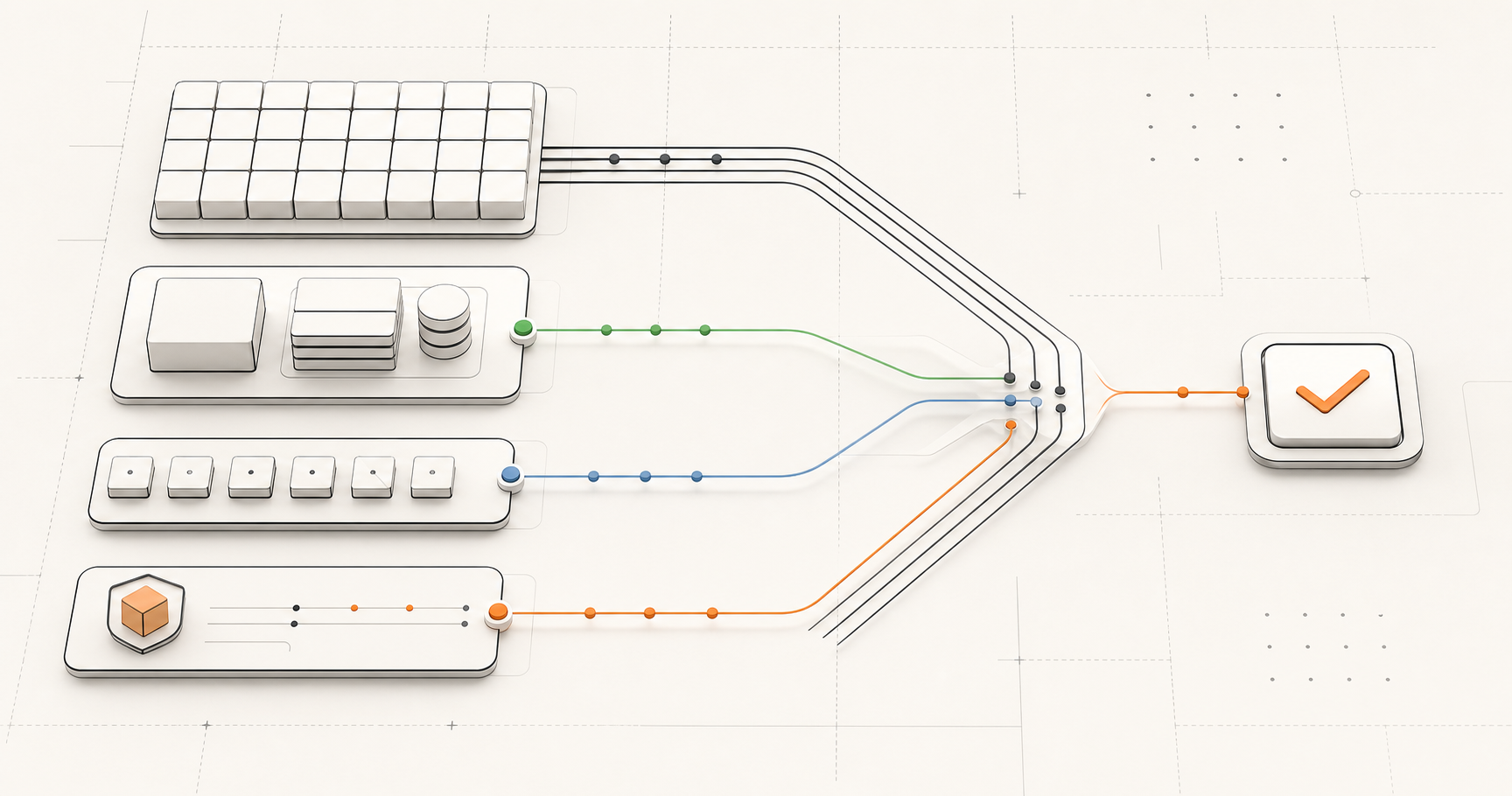
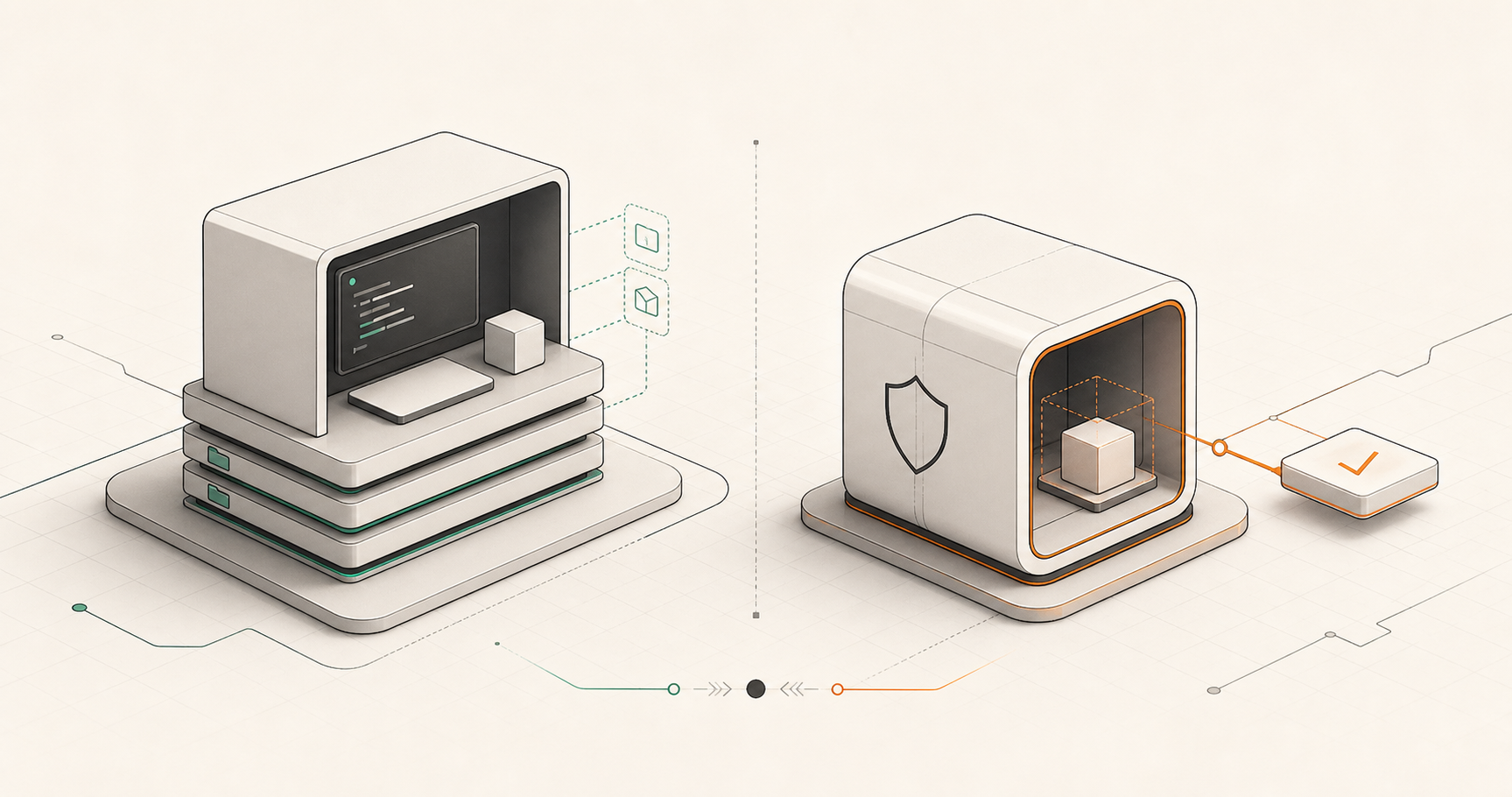
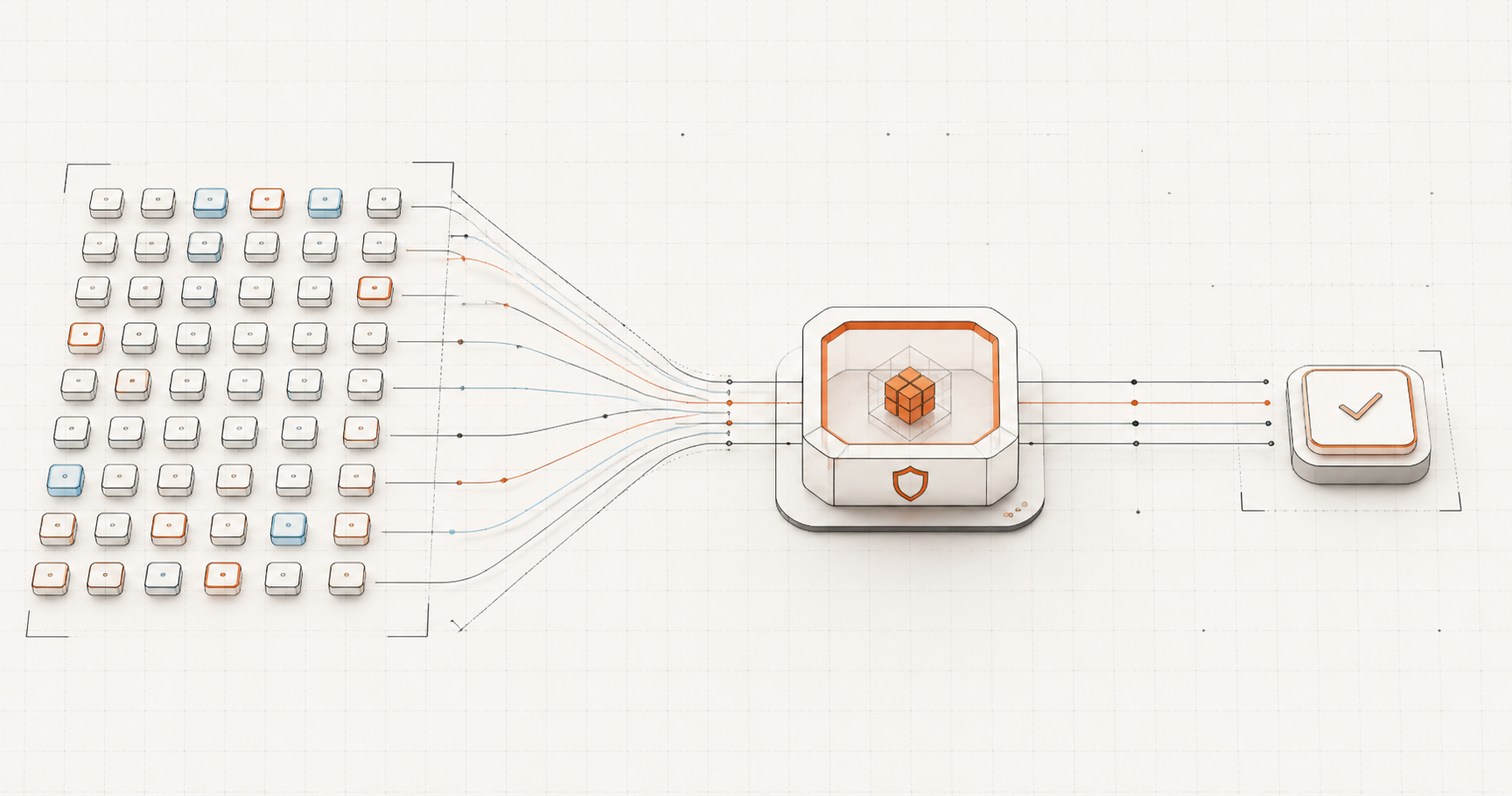
A code execution API is only useful if developers can integrate it quickly. Rustbox SDKs give Python, TypeScript, Go, and Rust teams a smaller path from "we need to run code" to a working production request with retries, timeouts, typed errors, and a clear result.
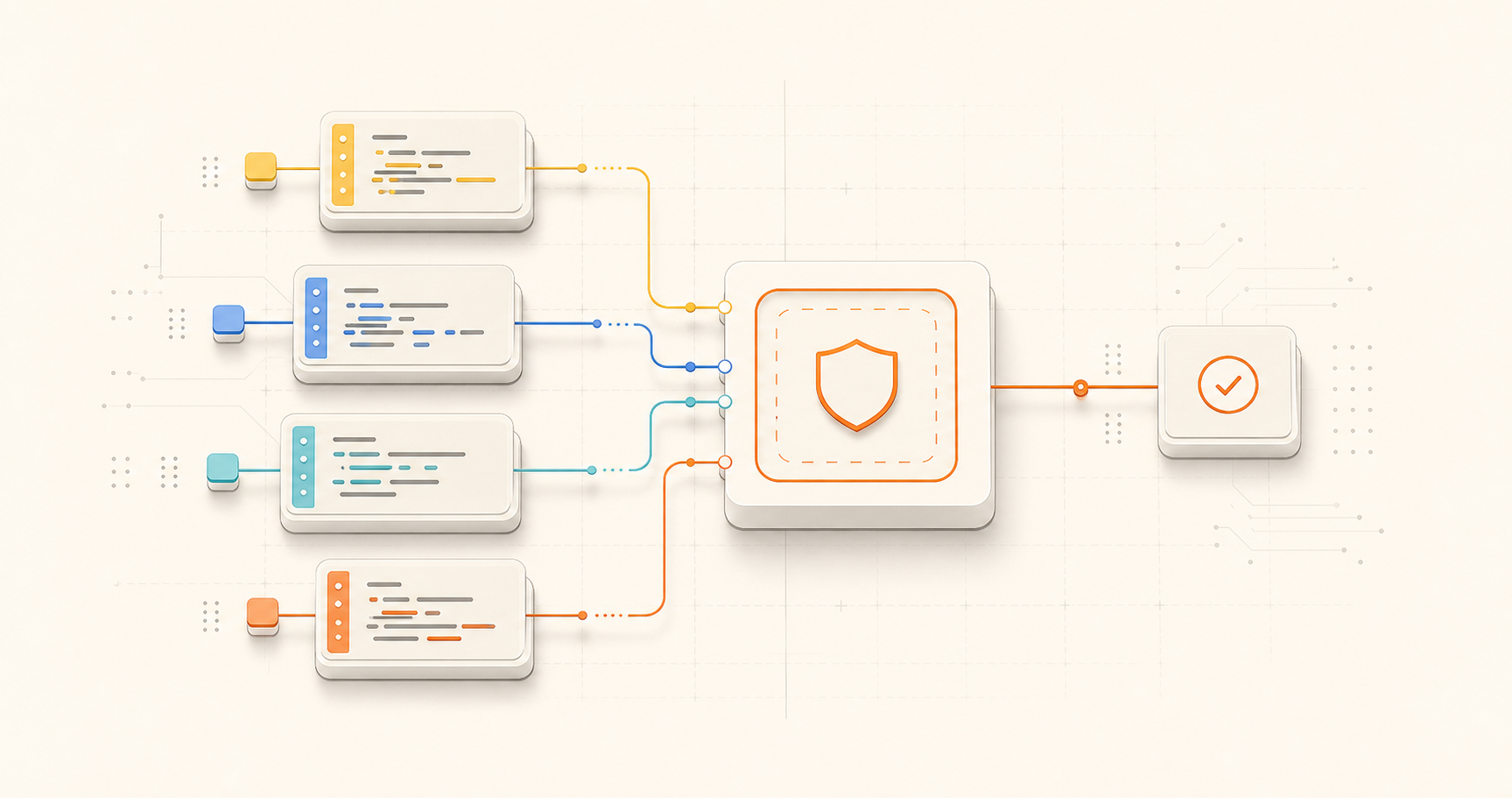
Why SDKs matter for secure code execution
Running untrusted code is a backend responsibility, but every team has a different stack. A Python AI product, a TypeScript web app, a Go platform service, and a Rust backend should not all have to reinvent request retries, polling, timeouts, and error handling.
The Rustbox SDKs exist to make the common path boring. You create a client, call run, and receive a result. For deeper control, you can submit asynchronously, poll by ID, inspect health, or list supported languages.
That matters because integration speed affects adoption. The easier it is to add Rustbox to the backend, the sooner your product can ship code execution without treating the runner as a side project.
What every Rustbox SDK does
The SDKs follow the same product model across languages. The main method is run, which submits a job, waits for completion when appropriate, and returns the execution result.
runfor the common case where your product wants a completed result.submitfor lower-level async submission flows.getResultfor polling an execution ID.- Health and language helpers for integration checks and UI validation.
The SDKs also handle integration details that are easy to overlook: transient retries, request timeouts, idempotency keys where useful, and errors that map cleanly to product behavior.
Which Rustbox SDK should you use?
Each SDK is fully open-source and matches native language conventions, providing built-in type definitions, asynchronous request structures, and automatic retry loops:
AI, Agents & Data science
from rustbox import Rustbox
client = Rustbox(api_key="...")
res = client.run("python", "print('OK')")Webapps, Node, Bun & Cloud
import { Rustbox } from "rustbox";
const client = new Rustbox("...");
const res = await client.run("js", "console.log('OK')");Microservices & Platform tools
import "github.com/orkait/rustbox-go"
client := rustbox.New("...")
res, _ := client.Run(ctx, "go", "println(\"OK\")")System programming & Runtimes
use rustbox::Rustbox;
let client = Rustbox::new("...");
let res = client.run("rust", "fn main() {println!(\"OK\")}").await;Direct HTTP vs Rustbox SDKs
You do not need an SDK to use Rustbox. Direct HTTP is ideal when you want total control, are using a language without an official SDK, or are testing the API with curl.
SDKs are better when your team wants the normal integration details handled consistently. Typed errors make product behavior clearer. Timeouts and retries reduce repeated boilerplate. A single client object keeps base URL, API key, and request configuration in one place.
A practical rule: start with direct HTTP to understand the API shape, then use the SDK that matches your production backend.
A simple SDK workflow
The SDK workflow is intentionally small. Here is the TypeScript shape:
import { Rustbox } from "rustbox";

const client = new Rustbox(process.env.RUSTBOX_API_KEY!);

const result = await client.run({
  language: "python",
  code: "print(2 + 2)",
});

console.log(result.verdict, result.stdout);
The same idea exists across Python, Go, and Rust. Your product passes code in, then handles a structured execution result. That result can power a candidate UI, a student lesson, an AI tool response, or an internal automation step.
Frequently asked questions
Do I need a Rustbox SDK to run code?
No. Rustbox works over HTTP. SDKs reduce integration work when you want retries, timeouts, typed errors, and helper methods in your backend language.
Which Rustbox SDK should I start with?
Use the SDK that matches your backend, not your frontend. Rustbox API keys should stay server-side, so the integration usually belongs in a backend service.
Can SDKs use webhooks?
SDKs can submit jobs that later trigger project webhooks. Webhook endpoints are configured on the Rustbox project, not passed as arbitrary per-request URLs from SDK calls.
Choose the Rustbox SDK for your stack
Start with the SDK overview, then open the language-specific reference for your backend.
Explore SDK docs